How To Get Started As A Host On Feels Like Home
19 October 2026
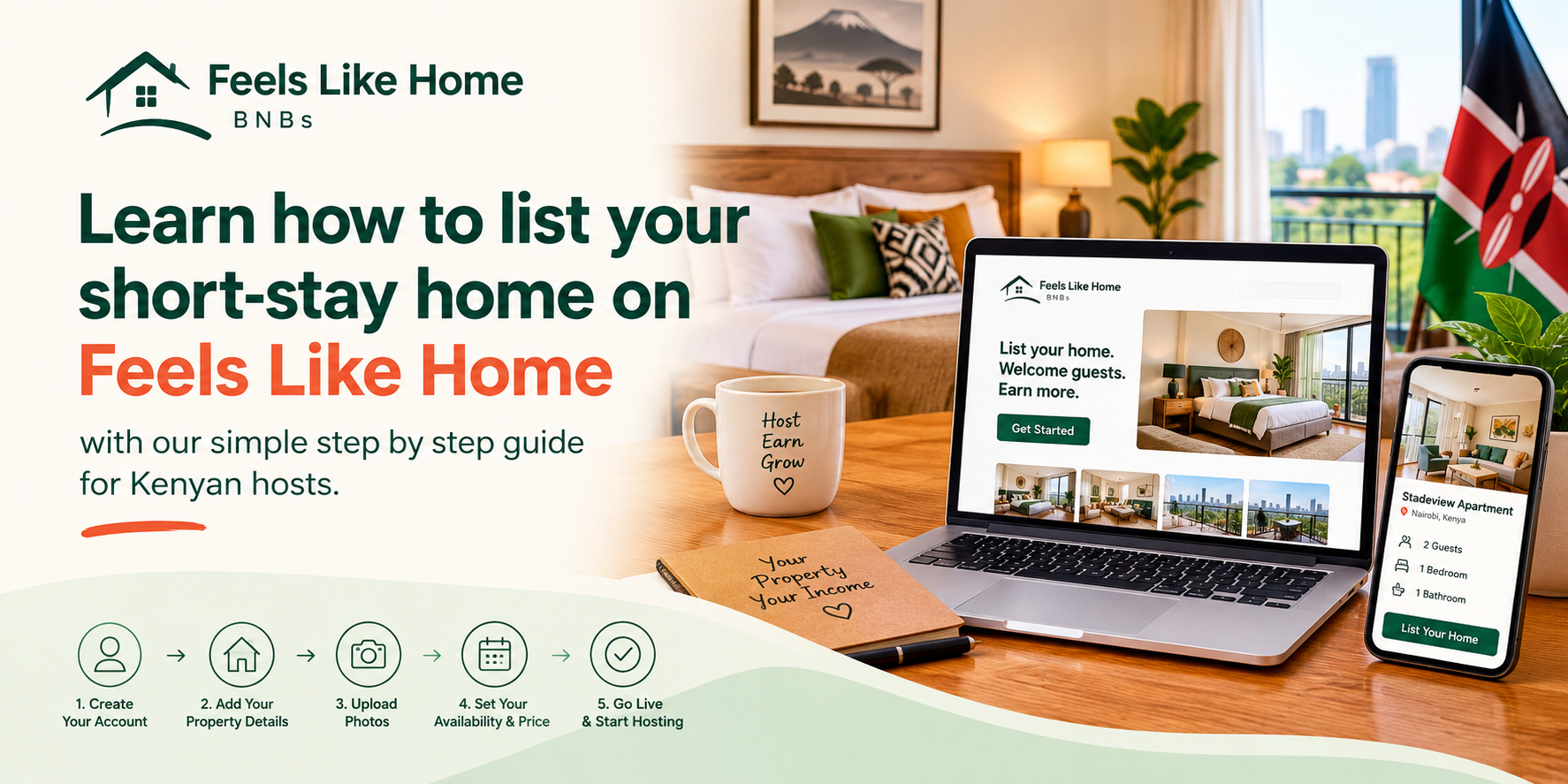
Welcome To Feels Like Home
If you run a short-stay home in Kenya, finding the right platform to showcase your space is everything. Feels Like Home (registered company: Feels Like Home Smart Stays) operates feelslikehomebnbs.com, a Kenyan direct-booking marketplace and host operating system. Best of all, we charge 0% booking commission, which means you keep 100% of your earnings.
Here is how you can get started today.
Step 1: Create Your Host Account
Setting up your account takes just a few minutes:
- Go to the website and tap List your stay or visit /auth.
- Choose Host as your account type.
- Sign up securely using your Google account or your email address.
- Once signed in, you will land straight in your Host OS.
Step 2: Add Your First Listing
Now that you are inside the Host OS, it is time to publish your property so travellers can find it:
- Navigate to Listings inside your dashboard.
- Tap to add a new unit.
- Fill in your property name, location (such as Westlands, Kilimani, CBD, or Ngara), nightly price, maximum guests, number of bedrooms, and amenities.
- Upload at least 8 clear photos of your space.
- Publish your stay.
Step 3: Explore Your Host OS Tools
Your Host OS is packed with features designed to make managing your short-stay home smooth and stress-free:
- Dashboard: View your daily AI insight, property health scores, and Revenue Coach recommendations.
- Reservations: Track all your inquiries and bookings in one place.
- Calendar: Keep your schedule synced using iCal integration for Airbnb and Booking.com.
- Finance: Track expenses and scan receipts effortlessly.
- Digital Guidebooks: Provide a wonderful experience with an AI concierge for your guests.
- Marketing Tools: Share campaign links, QR codes, promo codes, and your bio link.
- AI Studio: Create flyers for WhatsApp Status and Instagram.
- Growth Network: Refer overflow guests to other hosts when you are fully booked.
- Invoices: Easily generate guest invoices.
Managing Bookings And Payments
Guests browse published stays, search by area or by describing their trip in plain words, and send a booking request on WhatsApp. You as the host confirm availability and payment details. Remember that a booking is only confirmed after you give the green light. Guests pay you directly, often using M-Pesa.
If you ever need assistance, our support team is ready to help at inquiries@feelslikehomebnbs.com.
Ready To Grow Your Short-Stay Business?
Take control of your short-stay listings, keep all your earnings with our 0% commission model, and enjoy powerful management tools today. Head over to feelslikehomebnbs.com and list your property now.